
BBDBuy Spreadsheet
A closer look at your next find.
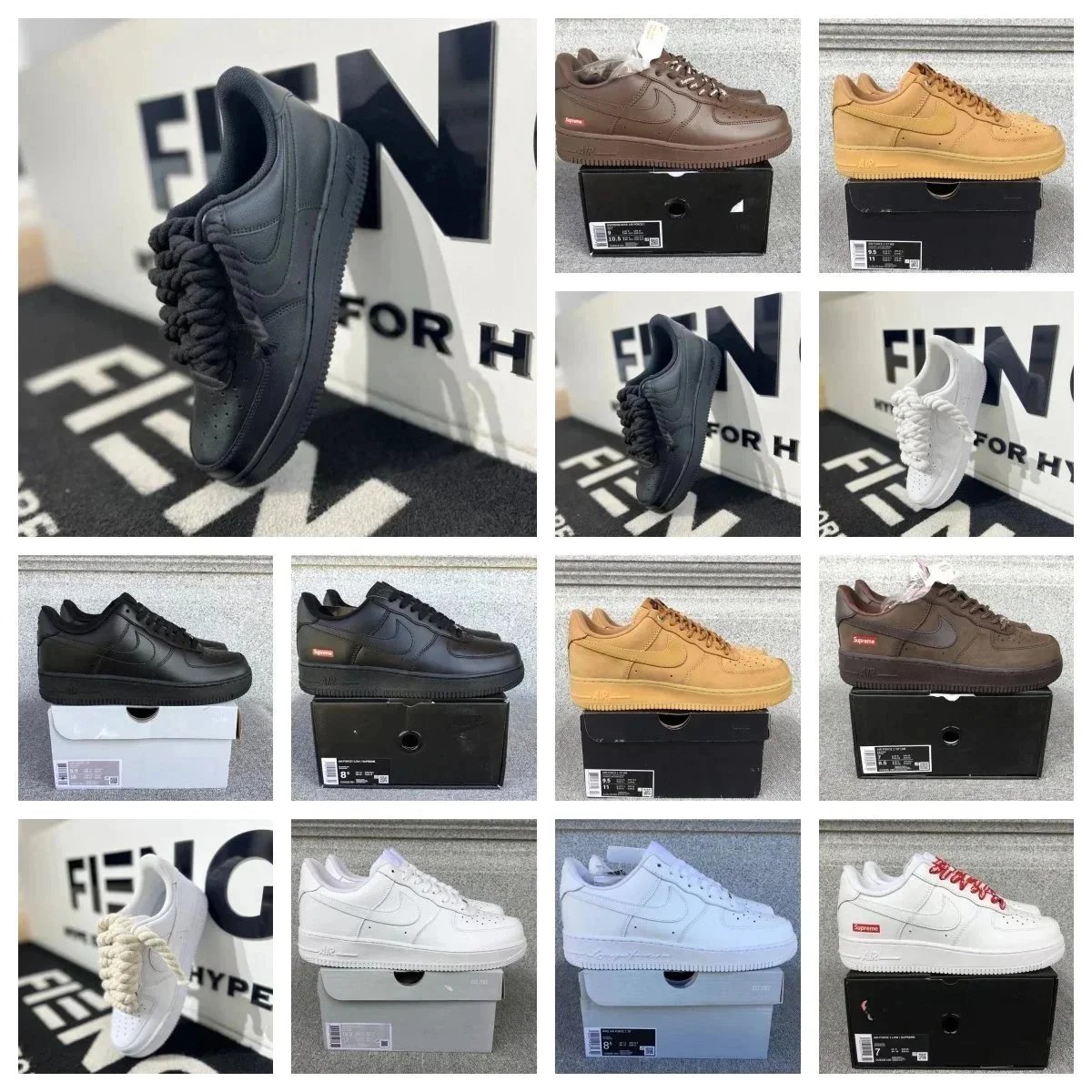
Nike Air Force 1 Low Multi-Colorway Sneakers
$14.77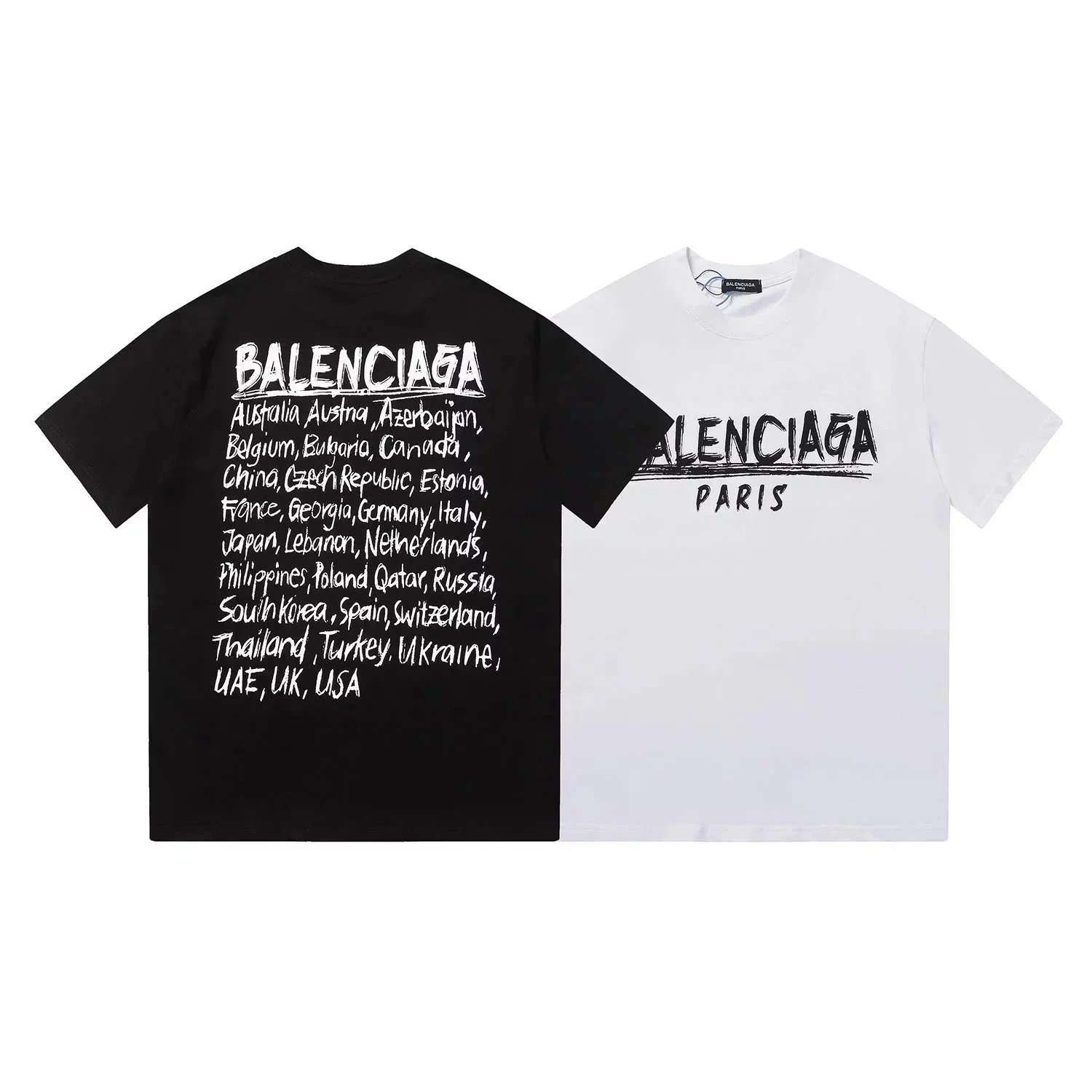
Balenciaga Paris Countries Print T-Shirt
$11.67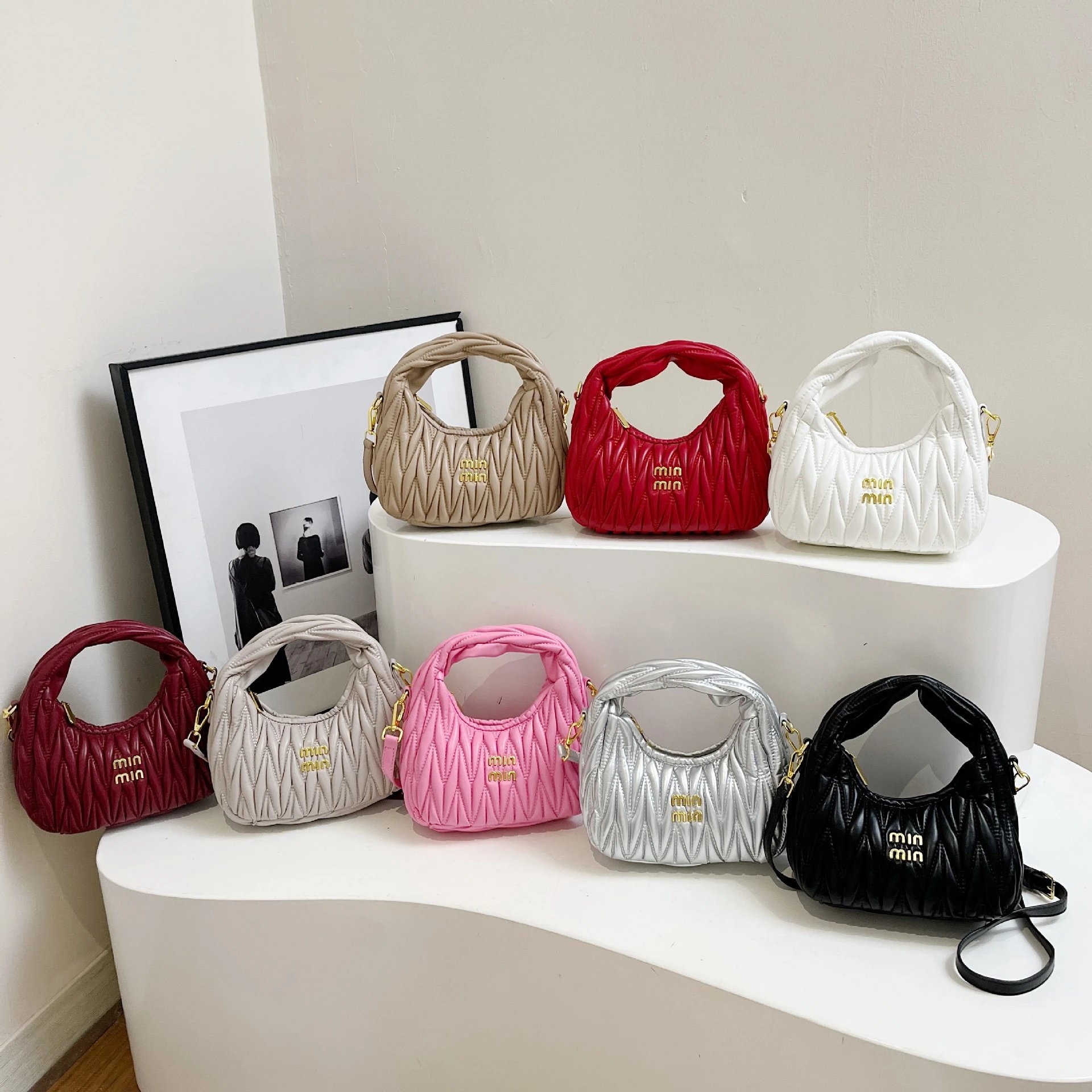
Miu Miu Matelasse Leather Mini Hobo Bag
$18.61Keep looking
Open the full spreadsheet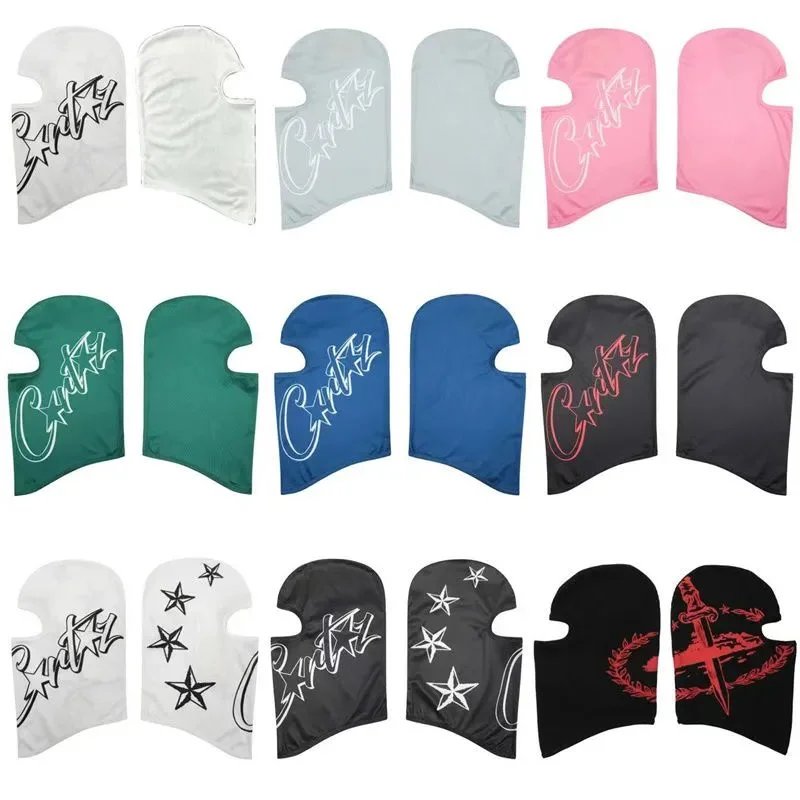
Corteiz Face Mask
$15.29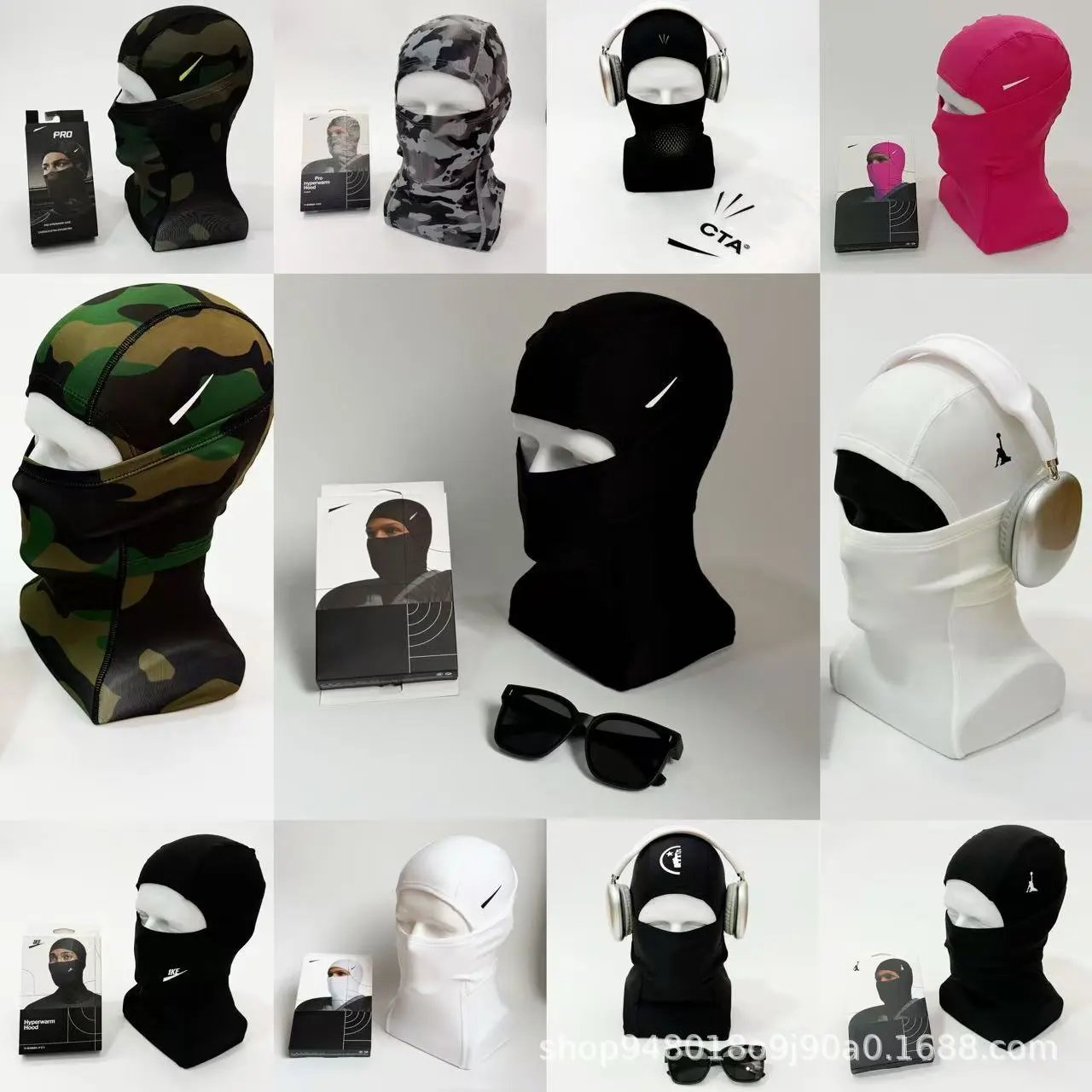
Balaclava Face Mask
$13.07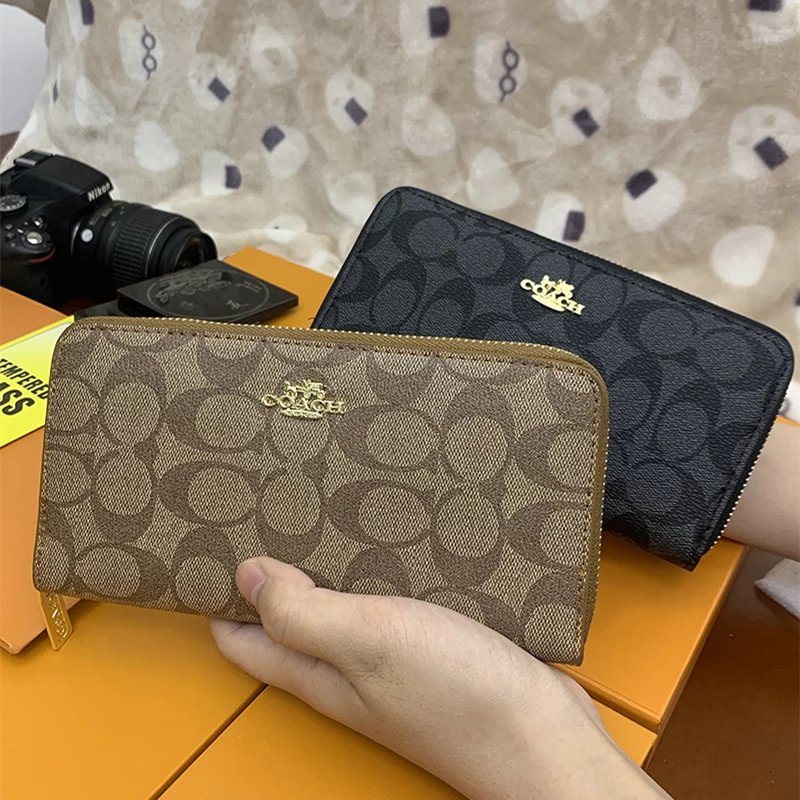
Coach Signature Zip-Around Wallet
$13.29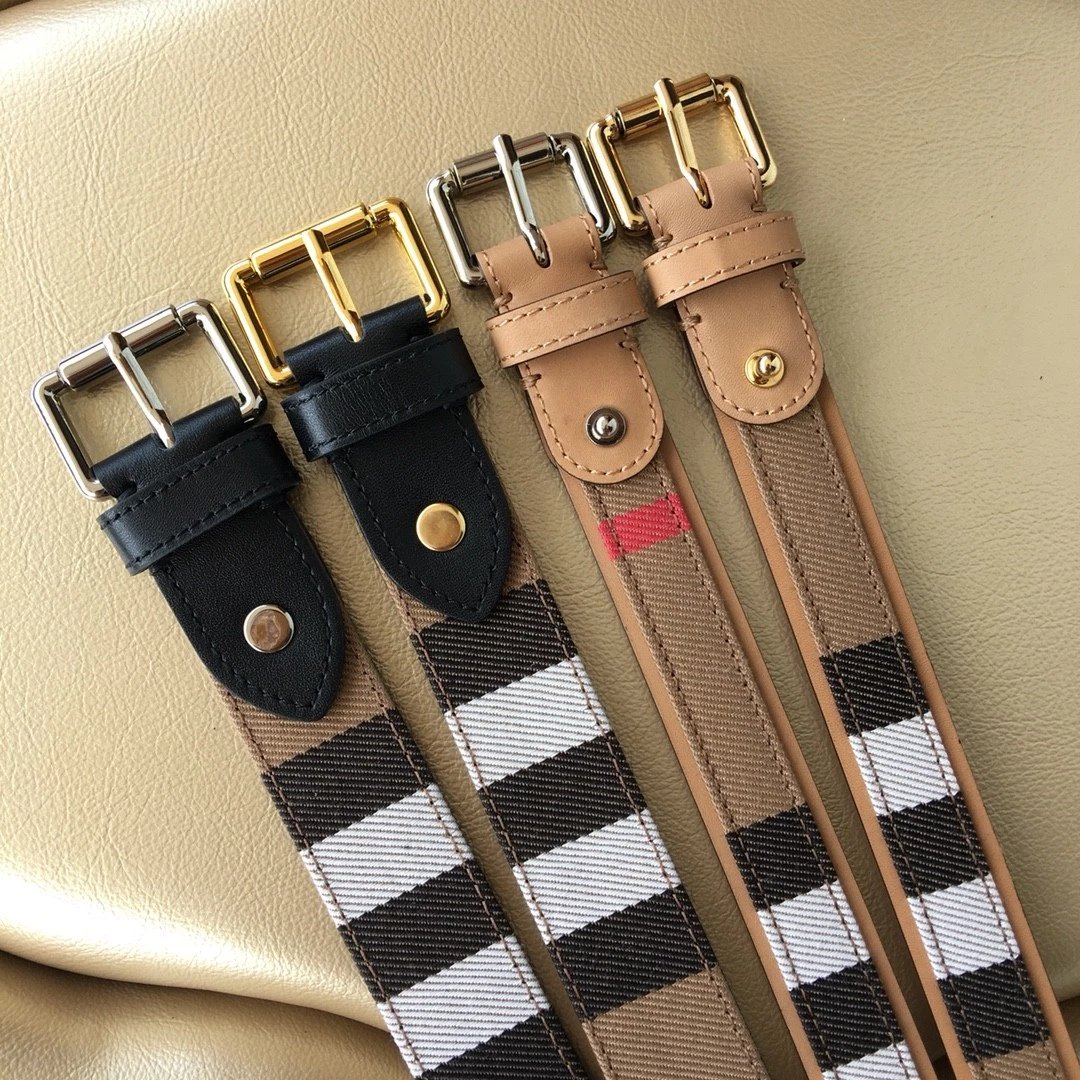
Burberry Check Pattern Belt
$58.72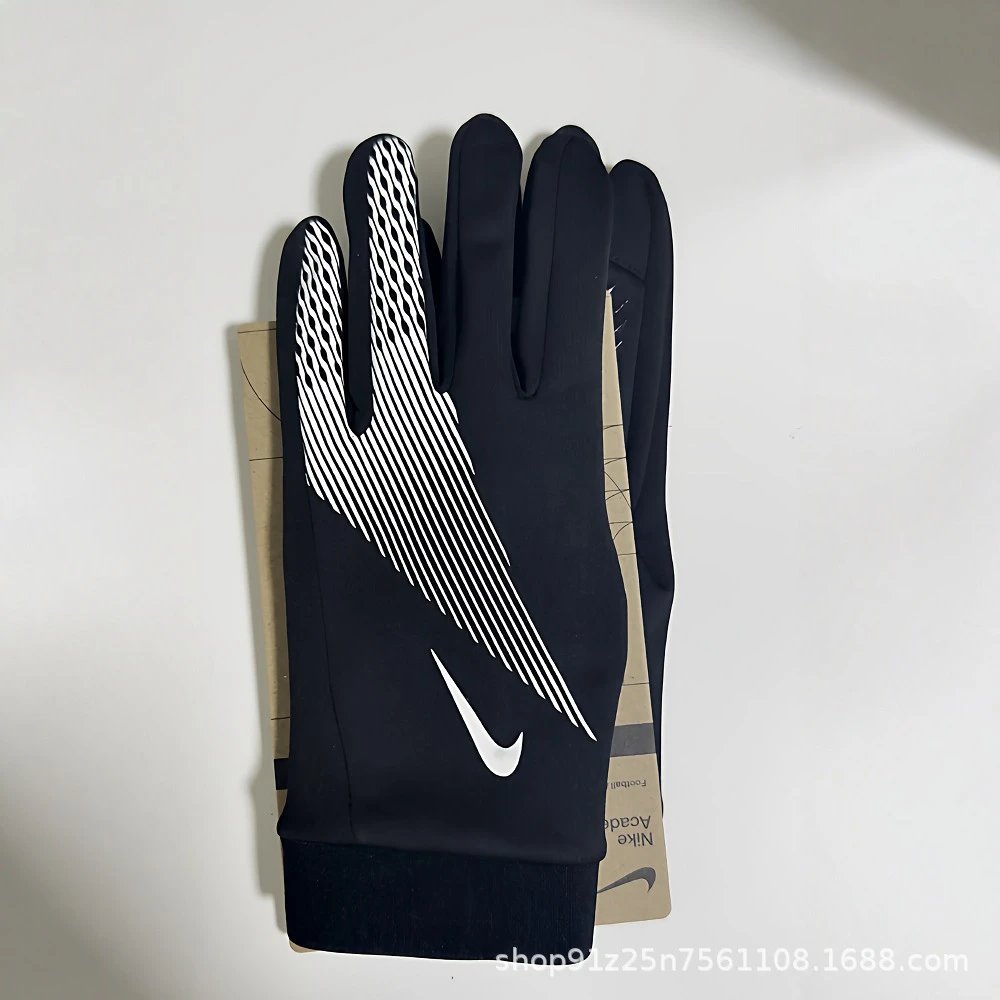
Black Nike Football Gloves
$7.53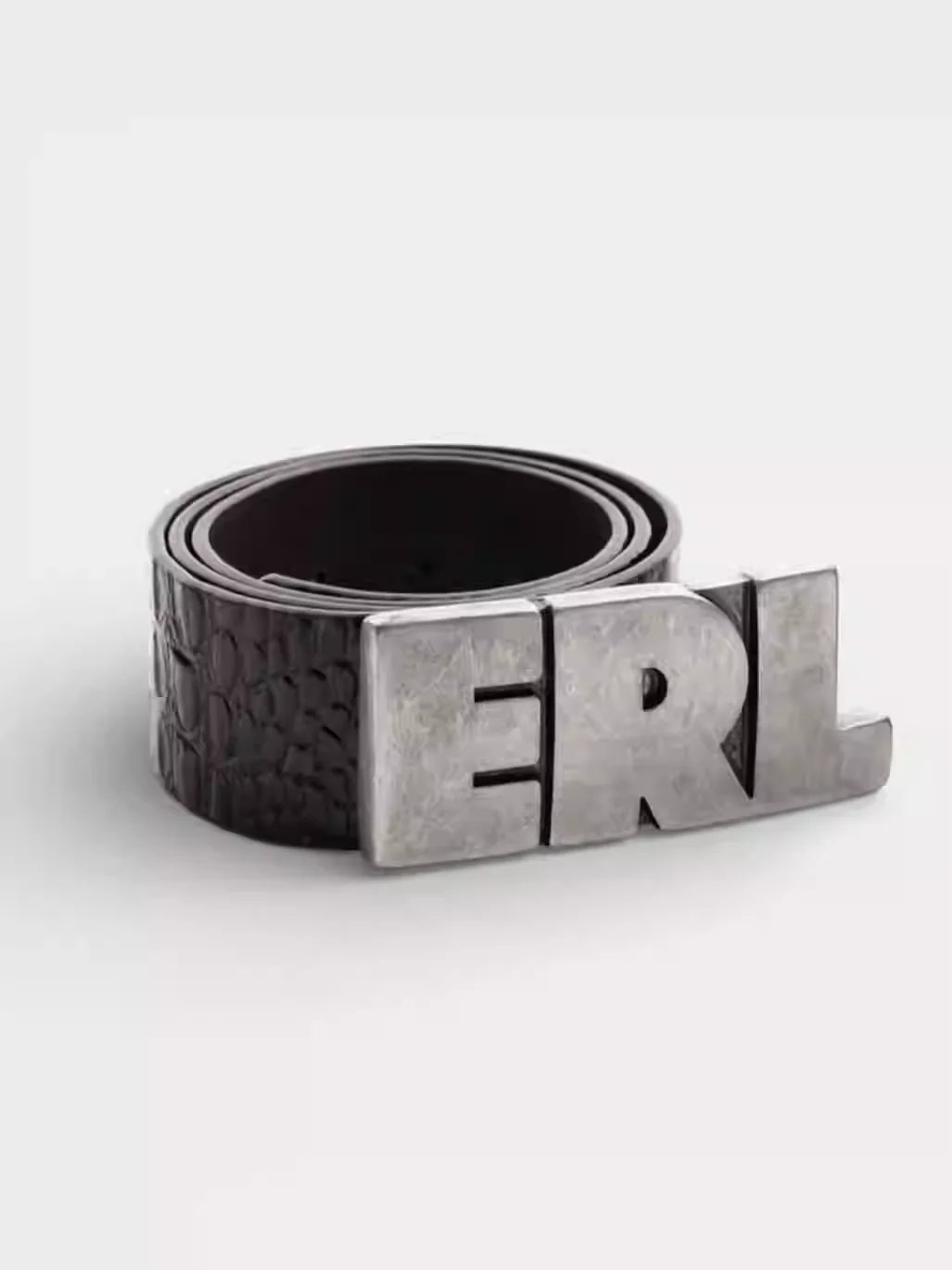
Black Crocodile Texture Belt with ERL Buckle
$53.57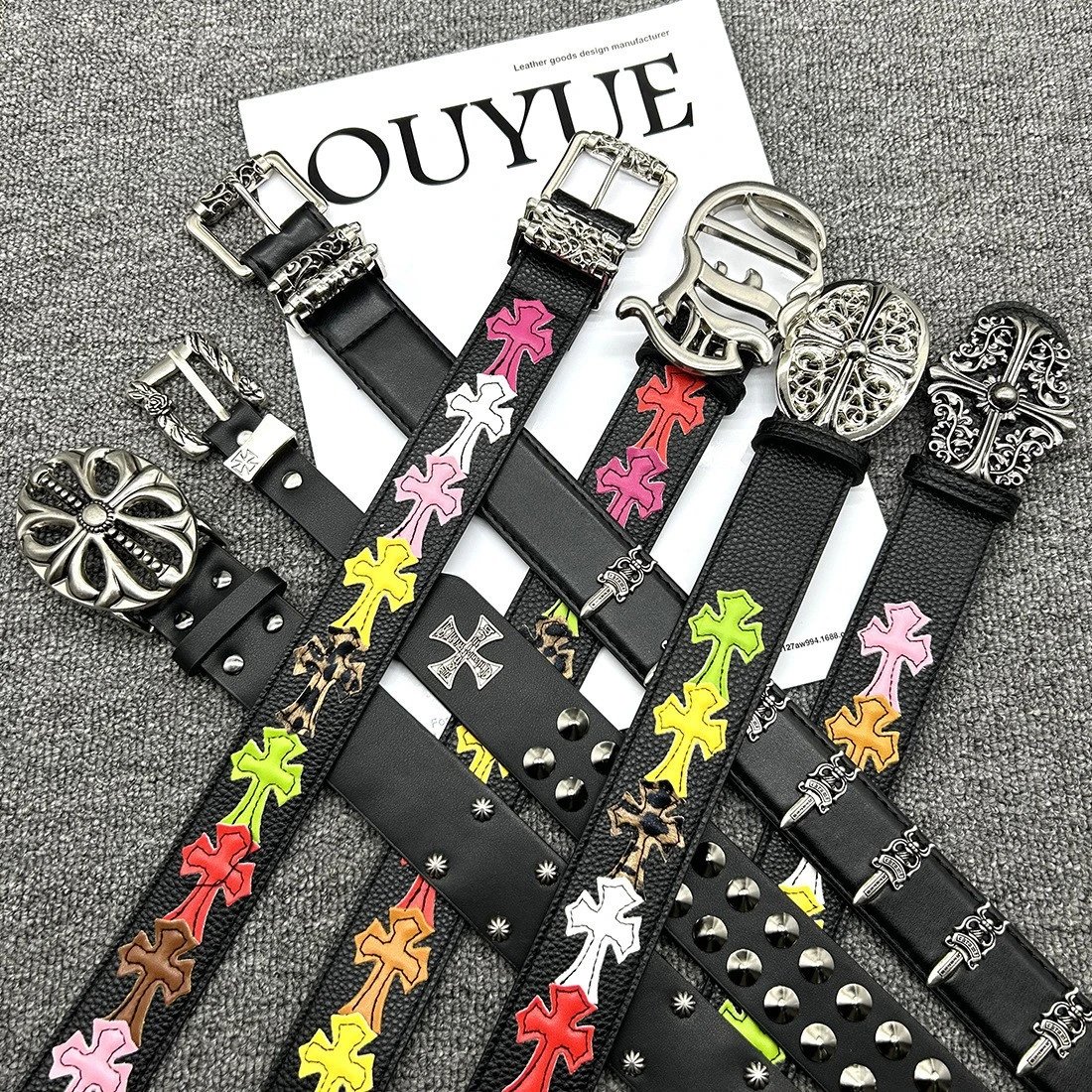
Cross Embellished Leather Belts
$15.29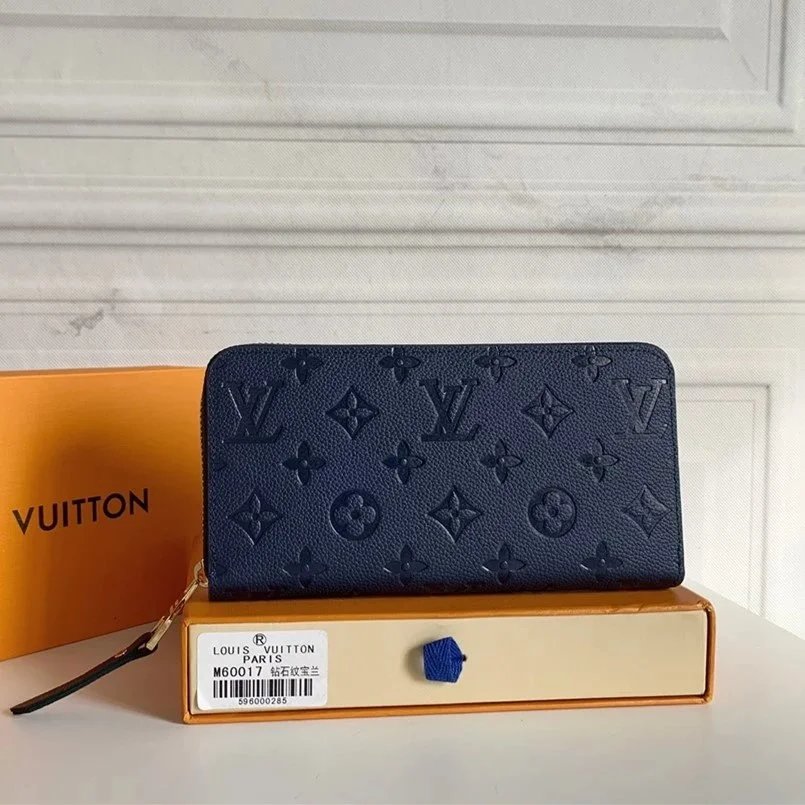
Louis Vuitton Monogram Embossed Wallet
$28.58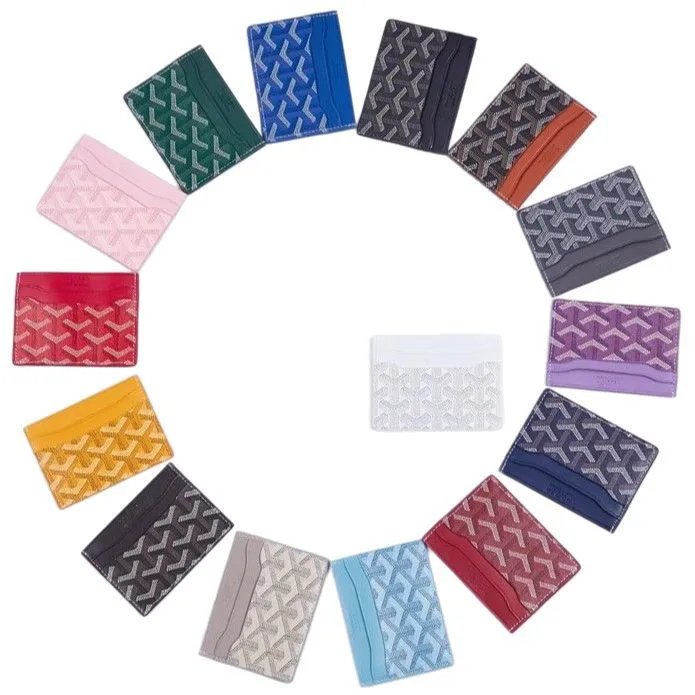
Goyard Card Holder Wallet
$8.64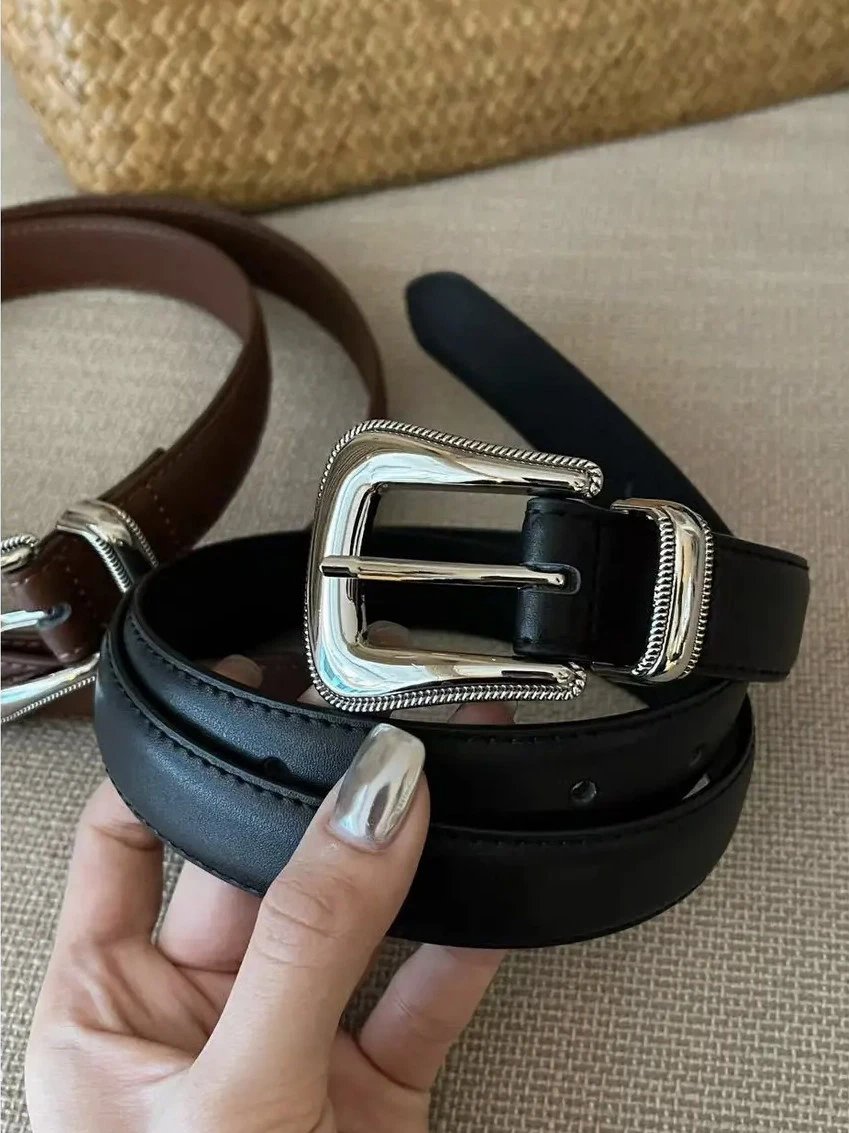
Black Leather Belt with Silver Buckle
$17.69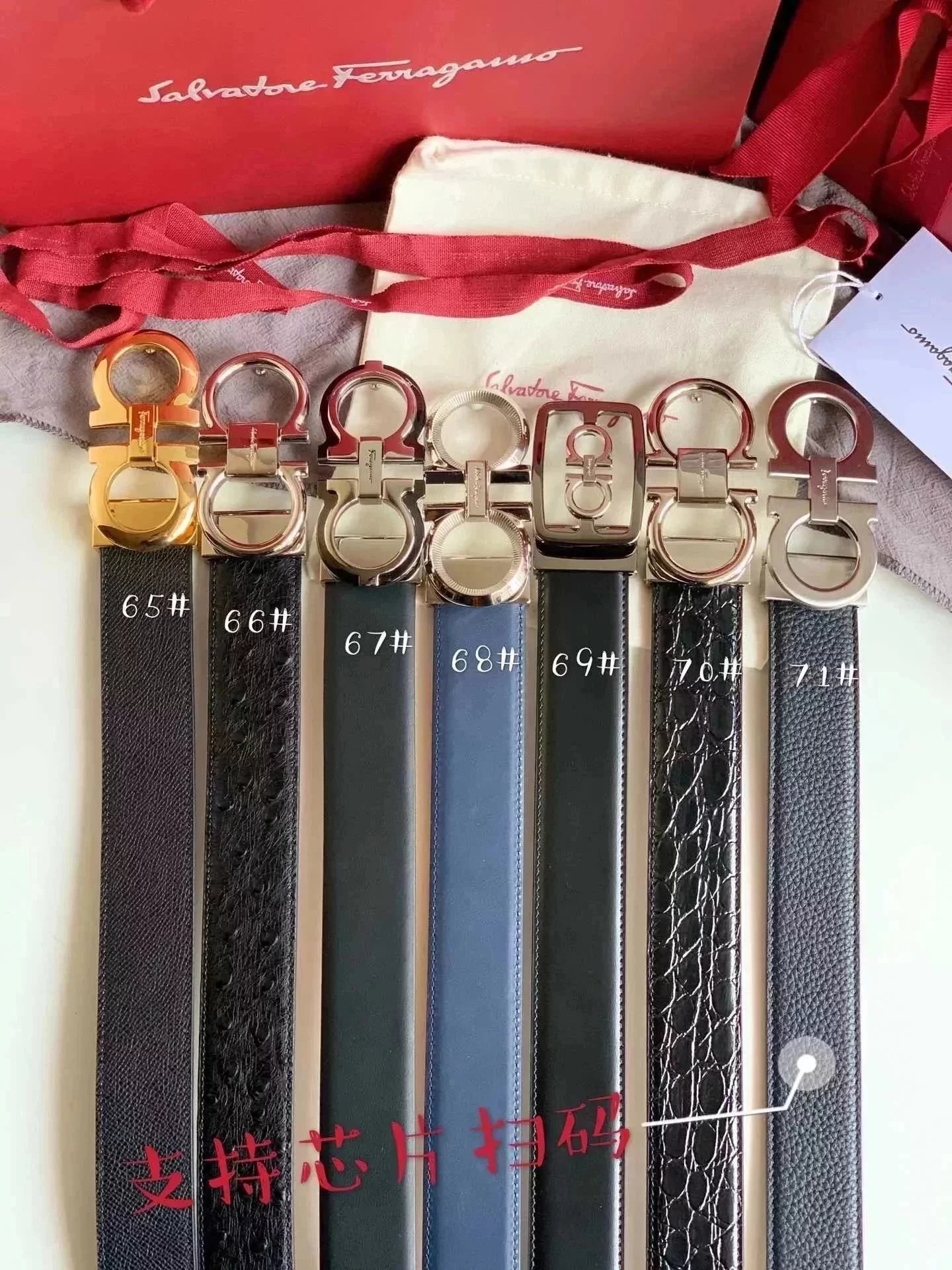
Ferragamo Men's Leather Belts
$54.95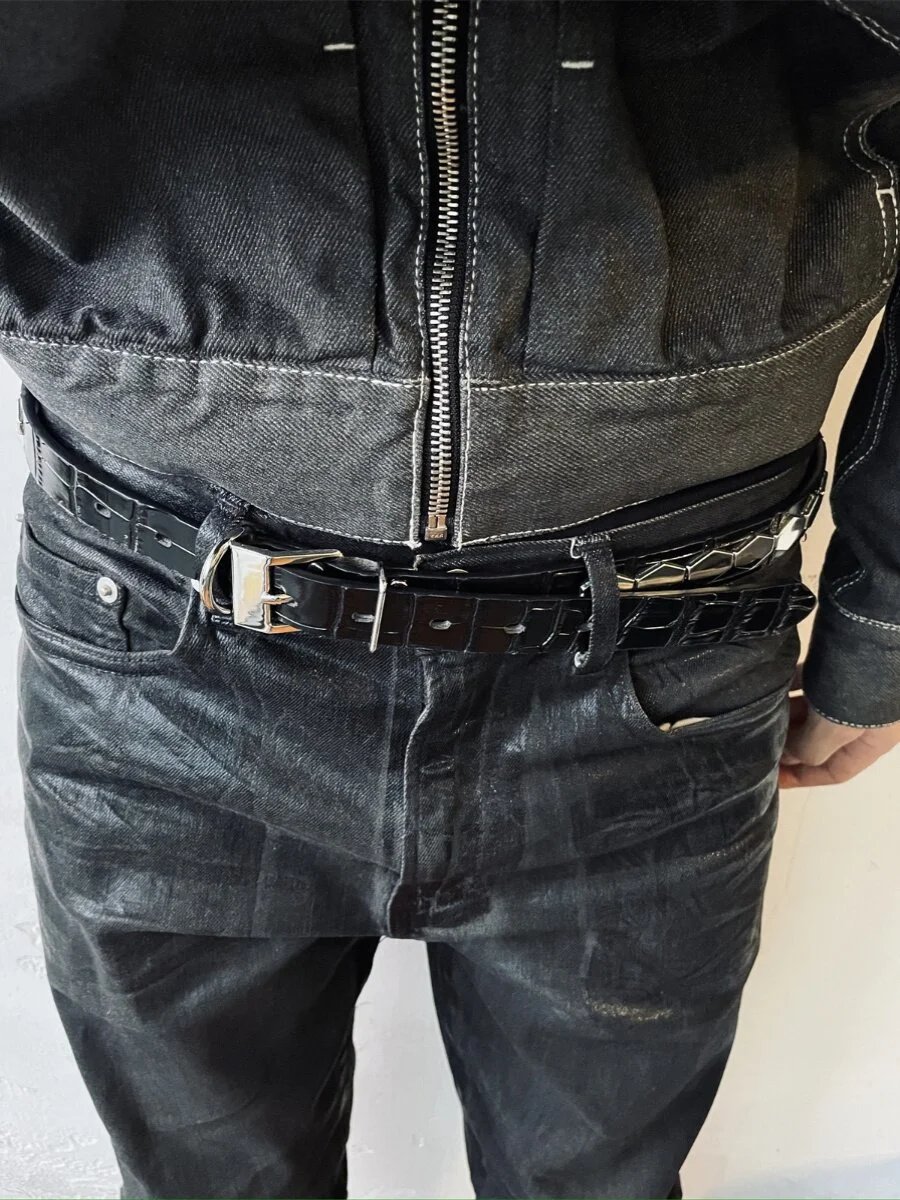
Black Leather Belt with Silver Buckle
$63.79Finds in the photo list
A BBDBuy spreadsheet brings product names, pictures and source links into one browsable list. This directory keeps the photo next to the name and reference price, so you can move from a broad category to the individual item. Open the details for pictured styles and available QC before continuing to BBDBuy.
A few useful answers
What is a BBDBuy spreadsheet?
It is a collection of product links you can browse by name, photo or category. This spreadsheet opens a detail page for each item, including its product photos, pictured styles and available QC.
How do I search the BBDBuy finds?
Search a product name on the homepage or Spreadsheet page. You can also choose a category and brand, or use image search when you have a reference photo.
Where can I find sneakers, hoodies and bags?
The category directory shows every department and its smaller lists. Sneakers are under Shoes, Hoodies under Tops, and Bags under Accessories.
What is the difference between Photo list and Gallery?
Photo list keeps each image beside its title and reference price. Gallery gives the images a larger grid. Switching the view keeps the same results and filters.
Can I sort a category list by price?
Yes. Choose a price order from Sort. The current category, search and brand stay in place, and pagination follows the same selection.
Which currency does the spreadsheet use?
Prices start in US dollars. Choose another currency in the header if you prefer; confirm the current product price on BBDBuy.
What happens when I select a style photo?
The main picture switches to that style. It is a preview, so select the final size and purchasing options on the BBDBuy product page.
What do the QC photos show?
They are available inspection photos of the pictured item. Some finds have no QC photos. They do not guarantee authenticity or that a future order will match every visible detail.
How can I search with an image?
Upload, drop or paste a photo on Image search. Open a visual match to check the title and product gallery; a similar shape alone does not confirm an identical item.
Can I copy the original product link?
On a Weidian product, use Copy Weidian link beside the purchase button. A confirmation appears after the link is copied.
Why does a BBDBuy link open a login page?
BBDBuy may ask you to sign in before showing a product. The matching source product ID and referral code are included in the outgoing link. Availability and purchasing options are confirmed on BBDBuy.
Is BBDBuy Lists the official BBDBuy site?
No. This is an independent product discovery directory. Registration and purchase links may earn a referral commission. BBDBuy handles accounts and orders.